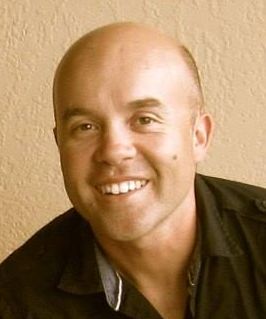
AI can build almost anything now — and most businesses are still thinking too small about what that means. The value is in reframing what's possible, then knowing what done actually looks like. That's what 25+ years teaches you.
Sydney  → Beijing
  → Vancouver
  → Sydney — I took the long way home. Now based back in Sydney, I work with business owners and decision-makers who need someone to cut through the noise — whether that's cloud infrastructure, security, or figuring out where AI actually fits into their operations. No jargon, no upselling. Just honest, practical advice.
My clients have spanned accounting, legal, medical, manufacturing, mechanical engineering, fashion, finance, retail, VFX, and geosciences — across Australia and Canada. That variety means I've seen a lot of different setups and challenges, which helps me spot what works and what doesn't pretty quickly.
These days my focus has shifted to where IT and AI intersect — helping businesses figure out which workflows actually benefit from automation, and which are just hype. I evaluate AI output the same way I'd evaluate a junior hire's work — does it actually solve the problem, or does it just sound like it does? That judgment call is the hard part, and it's where 25 years of seeing what actually works in production matters. I'm still across the full cloud stack (AWS, Azure, GCP, M365), but increasingly the conversations I'm having are about AI integration, not just infrastructure.
Day to day, I live in Claude Code (since its launch in February 2025), Obsidian as a second brain, and Daniel Miessler's PAI project. I love tinkering with OpenClaw (since January 2026, back when it was still called Clawdbot) — getting to know what our near-future agent-to-agent ecosystems will be like. If you're a keen user of any of those — always up for a chat.
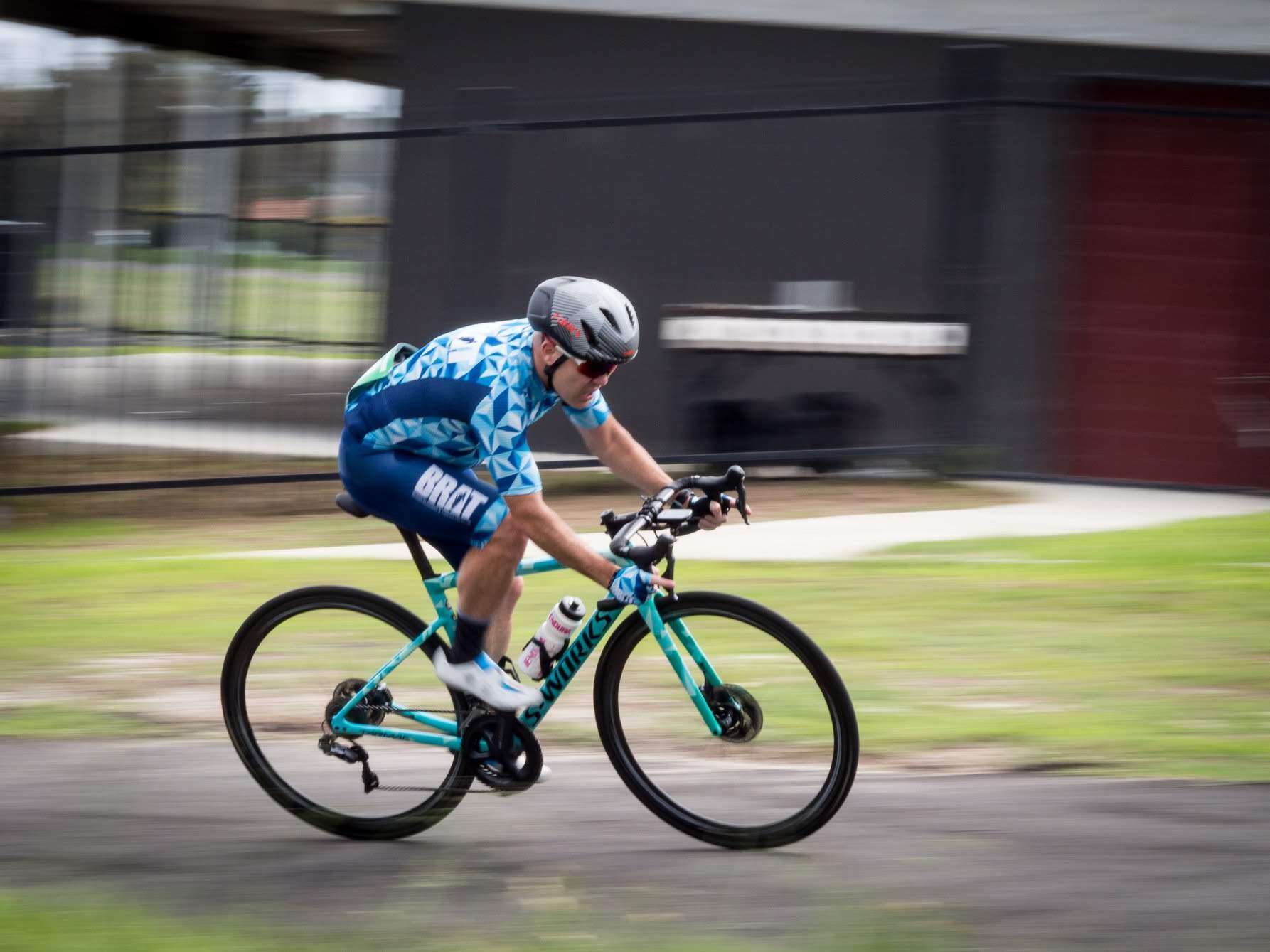

Outside of work, I volunteer with my local triathlon club, helping out with their tech. When I'm not chasing watts on the bike, I decompress by making improvised hardware techno that nobody asked for — jamming a Digitakt, DFAM and 303 into something that probably counts as noise pollution!
Helping Aussie SMEs actually adopt AI — not just buy tools, but redesign workflows around them. From identifying what's worth automating to making it stick.
chatswoodai.com
Cybersecurity governance and consulting. Making compliance and security frameworks accessible for organisations.
getcimple.io